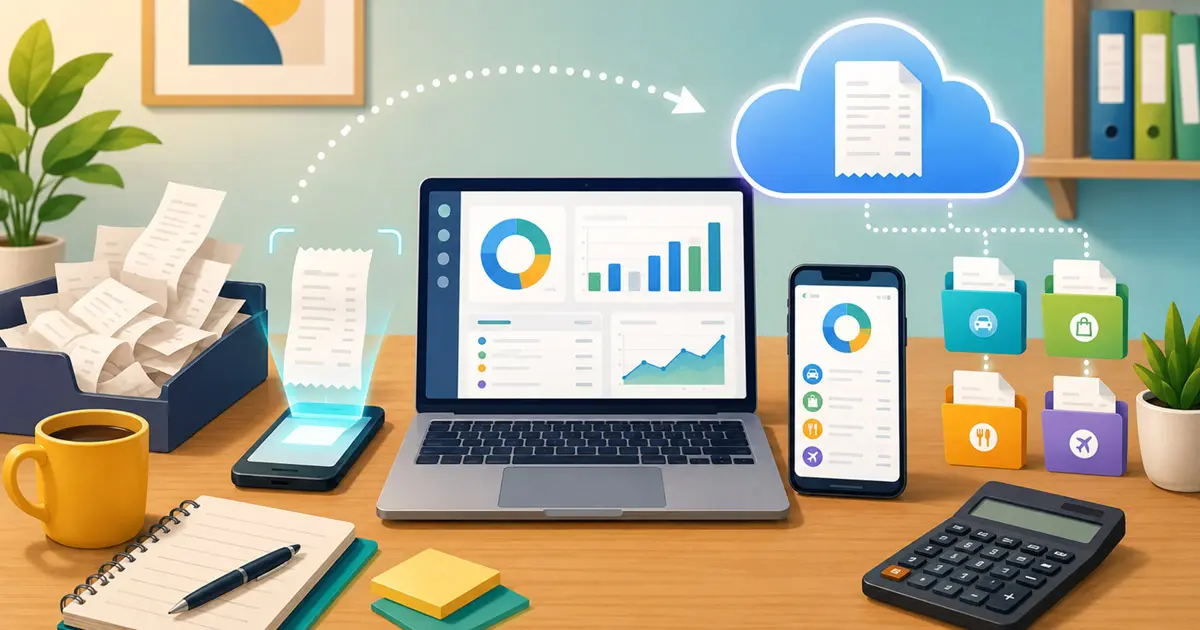
Paperless receipts sound simple until tax season arrives and you're staring at a shoebox of faded thermal paper, wondering which ones the CRA will actually accept if you toss them. The good news: going paperless is not just allowed, it's the standard the CRA itself expects most electronic-first businesses to move toward. The catch is that "paperless" doesn't mean "take a photo and forget about it." There's a specific set of rules your digital records need to meet, and most small business owners have never actually read them.
This guide covers what CRA compliance really requires, why paper receipts are a bigger liability than most people realize, and the easiest way to build a paperless system that survives an audit instead of falling apart during one.
Why paperless receipts beat paper receipts
Paper feels tangible, so it feels safe. In practice, it's the opposite. Thermal paper receipts — the kind printed at gas stations, restaurants, and most retail counters — start fading within months, sometimes weeks in a hot car or a sunny wallet pocket. The CRA requires you to keep supporting records for six years. A receipt that's unreadable by year two doesn't help you if you're reassessed in year five.
There's also the simple logistics problem. A shoebox of receipts is hard to search, easy to lose in a move or a spill, and impossible to back up. If your only copy of a $4,000 equipment purchase is a strip of curling thermal paper in a drawer, you're one accident away from an unsupported deduction.
Is going paperless actually CRA-compliant?
Yes — and it has been for a long time. The CRA's guidance on electronic record keeping (Information Circular IC05-1) treats properly maintained digital records as fully equivalent to paper. You are generally not required to keep the original paper receipt once you have a compliant digital copy, though the underlying record — paper or digital — needs to meet the same CRA receipt requirements as any other business record.
To count as a valid electronic record, your digital receipts and books need to be:
- Readable and complete — the scan or photo has to clearly show the same information the original document did, not a blurry partial capture
- Accessible on request — you need to be able to produce the record within a reasonable time if the CRA asks, not dig through a dead hard drive
- Backed up — a single copy on one phone with no backup does not meet the standard
- Unaltered — the digital version has to accurately represent what was on the original
None of this is exotic. It's the same bar any reasonable bookkeeping system already clears — it just needs to be intentional rather than assumed.
Common paperless mistakes that create audit risk
Most paperless setups don't fail because someone did something wrong on purpose. They fail from small gaps that never get noticed until it's too late.
Storing everything on one device with no backup
A phone that's lost, stolen, or dropped in a lake takes six years of receipts with it if there's no second copy anywhere. "Backed up" is a CRA requirement, not a nice-to-have.
Snapping a photo and never checking it
A glare-washed or half-cropped receipt photo isn't a valid record just because a photo exists. If the total, date, or vendor name isn't legible, it doesn't meet the "complete and readable" standard.
Mixing personal and business purchases with no way to tell them apart
A generic camera roll full of receipts, with no categorization or purpose tagging, turns a straightforward audit response into hours of reconstruction work.
Forgetting about email-only receipts
SaaS subscriptions, online orders, and app purchases often generate a receipt that only ever exists as an email — there's no paper version to fall back on if that email gets deleted or the inbox changes.
How to actually build a paperless system that holds up
A compliant paperless workflow — or any solid receipt organizer system — comes down to four habits, done consistently rather than perfectly:
- Capture at the point of purchase. Photograph physical receipts the moment you get them, before they have a chance to fade or get lost in a bag.
- Forward digital receipts instead of deleting them. Email confirmations, invoices, and app receipts should land in the same system as your photographed ones — not scattered across your regular inbox.
- Keep a second copy somewhere else. Cloud backup to a service like Google Drive or Dropbox satisfies the "backed up" requirement without any extra manual work if it happens automatically.
- Categorize as you go. Tagging each receipt with a purpose and category takes seconds when it's fresh and saves hours later at tax time or in an audit.
The habit that actually determines whether this works long-term is the first one — capturing at the moment of purchase, before "I'll do it later" turns into "I don't remember where that receipt went."
How iSaveBill handles this for you
iSaveBill was built around exactly this workflow, so the compliance part happens automatically instead of being one more thing to remember:
- AI receipt scanning — snap a photo and the app extracts the merchant, date, total, and tax breakdown automatically, so there's no manual data entry to skip when you're busy
- Email forwarding — forward any receipt email to your personal upload address and it's captured the same way a photo would be, including body-only receipts like parking or bank notifications with no attachment
- Automatic cloud backup — every receipt image can auto-back up to your own Google Drive or Dropbox, so your records exist in two places without any extra step
- Bank statement import — upload a monthly statement and let the AI cross-reference it against what you've already captured, catching anything you missed
- Purpose and category tagging — every receipt gets sorted as you go, so a "Purpose & Category Summary" report is one export away instead of a week of sorting
The result is a receipt archive that's already organized, already backed up, and already in a format you can hand over the moment the CRA asks — instead of a scramble to reconstruct six years of records from memory. Not sure which app is right for you? See our roundup of the best receipt scanner apps for Canada.
Frequently asked questions
Can I shred paper receipts once I've photographed them?
If your digital copy is complete, legible, and properly backed up, you generally don't need to keep the paper original — this is worth confirming with an accountant for your specific situation, but it's the standard most CRA-compliant electronic record keeping is built around.
How long do I need to keep digital receipts in Canada?
The same six-year rule applies whether your records are paper or digital, counted from the end of the tax year the receipt relates to — see our full guide on how long to keep receipts in Canada for the specifics.
Is cloud storage alone enough, or do I need a receipt app?
Cloud storage covers the backup requirement, but a folder of unsorted image files doesn't help you categorize expenses, track totals, or generate the reports you'll actually need at tax time. A dedicated receipt tracker handles both at once.
The bottom line
Paperless receipts aren't a compliance risk — a shoebox of fading thermal paper is the actual risk. The CRA has accepted electronic records for years; the only thing that changes the outcome is whether your digital system is readable, backed up, and organized before you need it, not after.