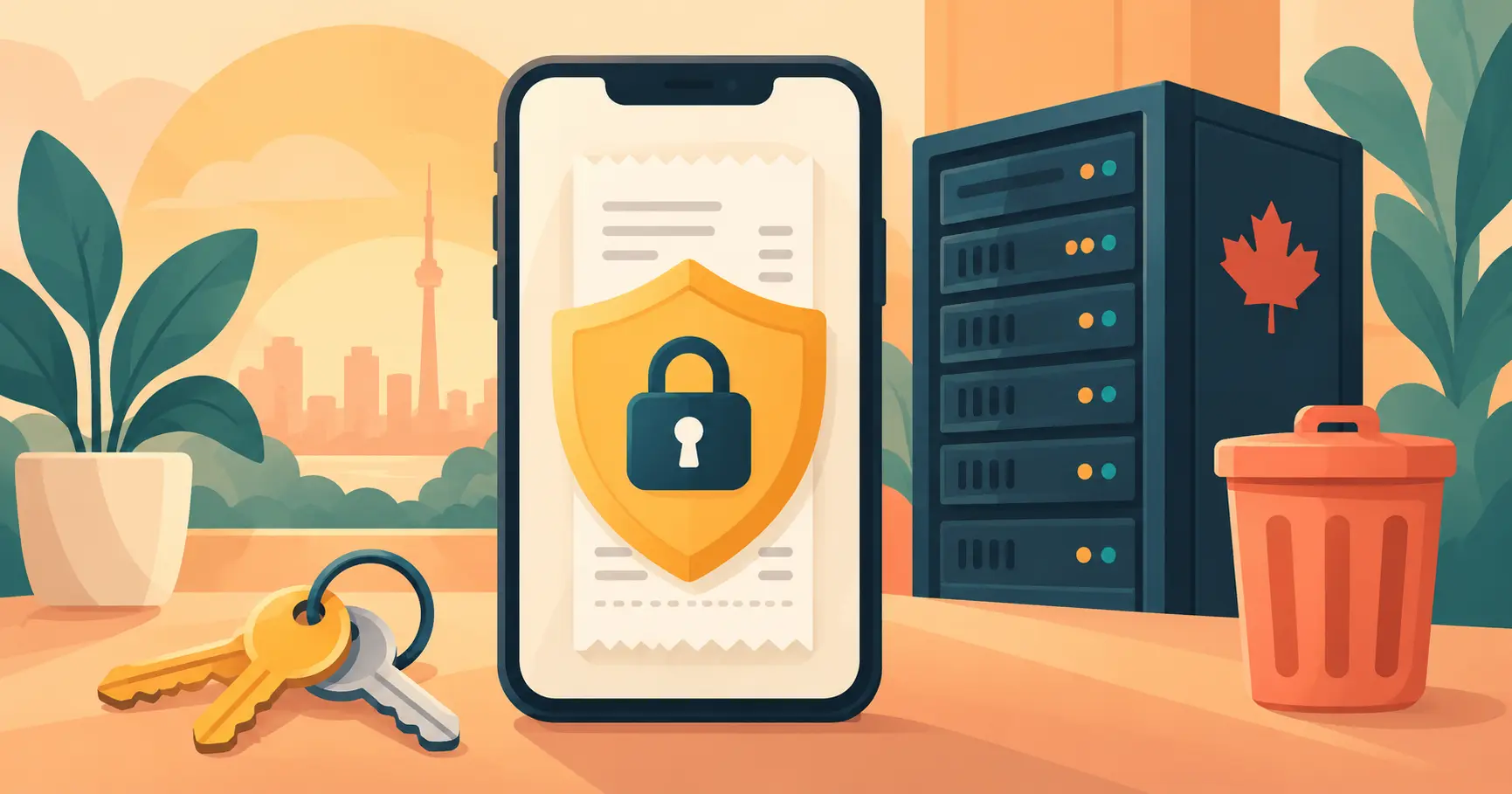
Receipts say a lot about you: where you shop, what you buy, where you travel, and what your business spends. Before you trust an app with years of them, you should know where they're stored, who can see them, what they're used for, and how to delete them for good.
This guide answers each of those questions for iSaveBill in plain language. The legal details are in our Privacy Policy and Terms of Service.
The Short Answer
- Stored in Canada. Your account data and receipt images are stored in a Canadian data centre.
- Encrypted. Data is encrypted in transit and at rest.
- Private by default. Receipt images are never public. They're shown through secure links that expire after an hour, and each account can only access its own records.
- Never sold. Your personal information and receipt data are used to run the service, not sold.
- Deleted when you say so. Delete any receipt at any time, or delete your account and everything is removed within 90 days.
Where Your Receipts Are Stored
iSaveBill stores your account, your receipt records and your receipt images in a cloud data centre in Canada.
For Canadian businesses, this is useful on its own: the CRA expects business records to be kept at a place of business or residence in Canada, and Canadian storage keeps that simple. See CRA Receipt Requirements for the details. For users in the United States and elsewhere, the location doesn't create any extra requirement — the IRS, for example, doesn't require records to be stored in a particular country, only that you can produce them.
One thing worth knowing: when you scan a receipt, the image is sent to an established AI provider to read the merchant, date, amounts and tax. That processing may happen outside Canada. The extracted details and the image are then saved to your account in Canada. Section 10 of our Privacy Policy covers international transfers.
How Your Receipts Are Protected
Security works in layers. Here's what protects your records:
- Encryption in transit: everything between your phone or browser and iSaveBill travels over HTTPS.
- Encryption at rest: stored data and files are encrypted on disk.
- Private image storage: receipt images are kept in private storage, not at public web addresses. When you open one, the app creates a signed link that stops working after 60 minutes, so a link copied out of the app doesn't stay usable.
- Account-level access rules: the database itself checks that every request belongs to the signed-in account, so one user's records can't be read by another user.
- Limited staff access: access to your account is restricted to you and, only when needed to resolve a support request, authorized iSaveBill staff.
- Payments handled by Stripe: card details are entered with our payment processor, Stripe, and never stored by iSaveBill.
No online service can promise perfect security, and we won't pretend otherwise. What you can expect is that your receipts are encrypted, private by default, and locked to your account.
How Your Data Is Used
Your data is used to run the features you use, and nothing else:
- Reading your receipts with AI to extract the merchant, date, amounts, tax and line items
- Organizing, searching and categorizing your expenses
- Building the reports, charts and exports you ask for
- Backing up receipt images to your Google Drive or Dropbox, if you turn that on
- Sending account, support and service emails
We don't sell your personal information or receipt data. We only share data with the service providers that make iSaveBill work — cloud hosting, AI receipt reading, payment processing and email delivery — or when required by law.
If you connect Google Drive or Dropbox, iSaveBill can only access the files it creates there. It never reads or changes your other files, and you can disconnect at any time from the Integrations page.
How Deleting Your Data Works
You control what stays and what goes:
- Delete a single receipt, invoice or group expense directly in the app, whenever you like.
- Delete your whole account from Settings → Profile → Delete Account. Your account and data are permanently deleted, and everything is fully removed from our systems within 90 days, except anything we're legally required to keep. You'll get an email confirming the deletion.
- Copies in your own Google Drive or Dropbox stay there. Those files are in your account, not ours, so deleting iSaveBill doesn't touch them.
Before deleting your account, download anything you still need — tax agencies may expect you to keep records for several years. How Long Does iSaveBill Keep Your Receipts? explains how to export everything and how long different countries require you to keep receipts.
Receipts are never deleted automatically because of their age. They stay in your account until you delete them.
Your Own Safety Net: Backup and Export
The safest setup doesn't depend on any single service — including ours. Two habits give you a copy you fully control:
- Turn on Google Drive or Dropbox backup so every receipt image is copied to your own cloud storage as you save it.
- Download your records once a year from Export & Reports: a ZIP of receipt images plus a PDF, CSV or Excel report. Both are available on every plan.
Questions to Ask Any Receipt App
Whichever app you choose, these questions separate a safe place for financial records from a risky one:
- Where is my data stored, and is that a problem for my tax agency?
- Is it encrypted in transit and at rest?
- Are receipt images private, or reachable by anyone with the link?
- Does the app sell my data or use it for advertising?
- Do receipts expire, or is there a storage cap?
- Can I download all my images and data at any time, on any plan?
- How do I delete my account, and how long until my data is really gone?
For iSaveBill, every answer is on this page. For more on choosing an app, see Best Receipt Scanner Apps for Canadian Small Businesses.
Private, encrypted receipt storage — free to start
No credit card required. Your receipts are stored in Canada, encrypted, backed up to your own cloud if you choose, and never sold.
Get Started Free →Frequently Asked Questions
Is iSaveBill safe to use for receipts?
Yes. Receipts are stored in Canada, encrypted in transit and at rest, kept in private storage, and shown only through secure links that expire after 60 minutes. Each account can only access its own records, and your data is never sold.
Where does iSaveBill store my data?
In a cloud data centre in Canada. When you scan a receipt, the image is sent to an AI provider to read it, and that processing may happen outside Canada; the results are saved to your account in Canada.
Does iSaveBill sell my data?
No. Your personal information and receipt data are used only to provide the service. They're shared only with the service providers that make iSaveBill work, such as hosting, AI receipt reading, payments and email, or when required by law.
How do I delete my iSaveBill account and data?
Go to Settings → Profile → Delete Account. Your account and data are permanently deleted, and fully removed from our systems within 90 days, except anything we're legally required to keep. You can also delete individual receipts at any time.
What happens to my Google Drive or Dropbox backups if I delete my account?
They stay in your Google Drive or Dropbox. Those files belong to your own cloud account, so deleting iSaveBill doesn't remove them.
Can iSaveBill see my other Google Drive or Dropbox files?
No. iSaveBill can only access the files it creates in your Google Drive or Dropbox. It never reads or changes your existing files, and you can disconnect at any time.
Bottom Line
iSaveBill stores your receipts in Canada, encrypts them, keeps images private, and never sells your data. Receipts stay until you delete them, account deletion removes everything within 90 days, and you can keep your own copy in Google Drive or Dropbox the whole time. If you want the full details, the Privacy Policy is the official version — and if you have a question it doesn't answer, email support@isavebill.com.