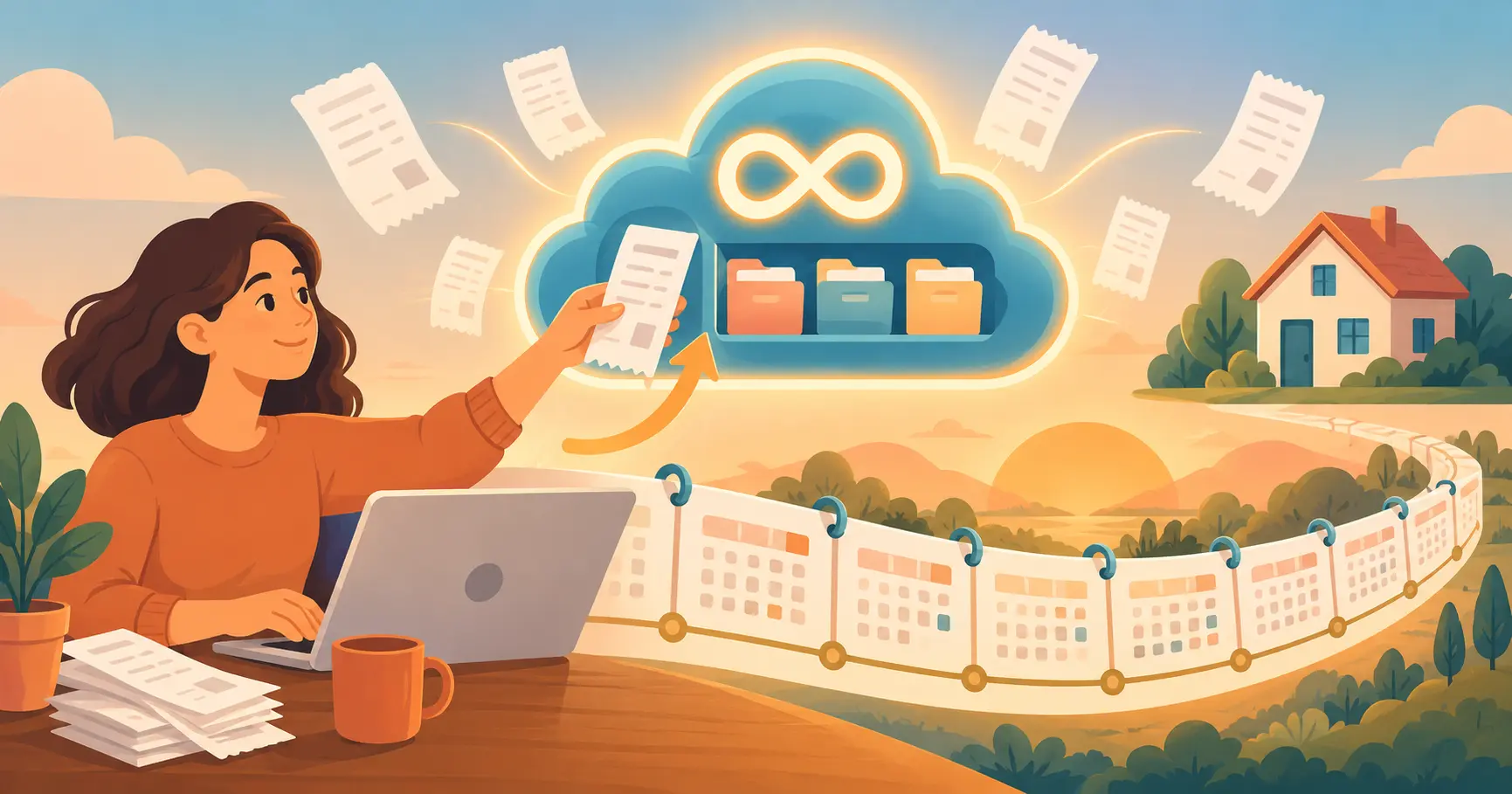
If you're going to throw away paper receipts and keep only the digital copy, the first question is simple: how long will the app keep them? Before you hand over years of records, you want to know there's no expiry date, no surprise storage cap, and a way to get everything back out.
Here's exactly how iSaveBill handles receipt storage — and how long you actually need to keep receipts in Canada, the United States and other countries.
The Short Answer
- Your receipts are kept for as long as your account is open. They never expire and are never deleted because of their age.
- There's no total storage cap on either plan. The Free plan limits how many receipts you can add each month, not how many you can keep.
- Cancelling or downgrading doesn't delete anything. Your existing receipts stay viewable and downloadable.
- You can download all your receipt images at any time, on any plan, and back them up automatically to your own Google Drive or Dropbox.
- Receipts are only deleted when you delete them — one at a time, or by deleting your account.
The full policy is in section 6 of our Terms of Service.
No Expiry Date: Your Receipts Stay Until You Delete Them
Many apps quietly limit how far back your records go, or delete old data after a fixed number of years. iSaveBill doesn't. A receipt you scan today will still be in your account in 2040 if your account is still open.
That matters more than it sounds. Most receipts only need to be kept for a few years, but some need to be kept for decades — especially receipts for a home, a rental property, a vehicle or business equipment. Those receipts prove what you paid, and you need them for as long as you own the asset, plus several years after you sell it. A renovation receipt from 2018 for a home you sell in 2035 may need to be kept until 2041. A storage limit that deleted receipts after a set number of years would fail exactly the records that matter most.
Storage Limits on the Free and Pro Plans
The difference between the plans is how quickly you can add receipts — not how long they're kept or how much you can store.
| Free | Pro | |
|---|---|---|
| New receipts per month | 10 uploads or scans | Unlimited |
| Total storage | No cap | No cap |
| How long receipts are kept | As long as your account is open | As long as your account is open |
| Download all receipt images | Yes | Yes |
| Backup to your Google Drive or Dropbox | Yes | Yes |
If you have more than ten receipts a month, Pro removes the monthly limit. If you have fewer, the Free plan stores them just as long as Pro does.
What Happens If You Downgrade or Cancel Pro?
Nothing is deleted. If you cancel or downgrade a paid subscription, every receipt you've already saved stays in your account, and you can still view and download it. The only thing that changes is the monthly limit on new receipts going forward.
That means you're never locked in. You can try Pro during a busy tax season, cancel afterwards, and keep every record you captured.
How Long Do You Actually Need to Keep Receipts?
iSaveBill keeps your receipts indefinitely, but tax agencies set the minimum you're responsible for. The general rules:
| Country | General rule | When it's longer |
|---|---|---|
| Canada (CRA) | 6 years from the end of the tax year the records relate to | Assets: as long as you own them, plus 6 years after the year you sell |
| United States (IRS) | 3 years from the date you filed your return | 6 years if you under-reported income by more than 25%; 7 years for a bad-debt or worthless-securities claim; property records until the period for the year you sell has ended; no limit if no return was filed |
| United Kingdom (HMRC) | Self-employed: at least 5 years after the 31 January filing deadline | Limited companies: generally 6 years |
| Australia (ATO) | 5 years | Assets: 5 years after you sell or dispose of them |
Sources: CRA, IRS, HMRC. Rules change and have exceptions, so check with your tax agency or accountant for your own situation. For a full Canadian breakdown, see How Long Do You Need to Keep Receipts in Canada?
The pattern is the same everywhere: everyday receipts need a few years, and receipts for property and major purchases need to last as long as you own the asset, plus a few years after. Because iSaveBill doesn't delete receipts by age, both kinds are covered without you tracking a different deadline for each one.
Image Quality: What Exactly Gets Stored
A digital receipt only replaces the paper if it's clearly legible. When you snap or upload a photo, iSaveBill resizes it so the longest side is at most 1,600 pixels and saves it with high-quality compression. That's sharp enough to read every line of a normal receipt — store name, date, items, tax and total — while keeping uploads fast on a phone connection.
The extracted details (merchant, date, amounts and tax) are saved alongside the image, so you can search and report on them without opening each photo.
A few tips for the clearest result:
- Capture receipts the day you get them. Thermal paper fades, sometimes within months.
- Lay the receipt flat in good light, and fill the frame with the receipt.
- For very long receipts, take the photo in sections rather than shrinking the whole strip into one picture.
- For a high-value purchase, you can also keep the original photo in your phone's camera roll if you want an untouched copy.
Digital copies like these are accepted by the CRA and the IRS as long as they're complete and legible — see Paperless Receipts in Canada: Is It CRA-Compliant?
Getting Your Receipts Back Out
Storage you can't leave isn't really yours. On every plan, you can get your records out three ways:
- Download your receipt images. In Export & Reports, choose a date range and download every receipt image in that range as a single ZIP file.
- Export your data. Download PDF, CSV or Excel reports of your expenses for your accountant or your own records.
- Back up automatically. Connect your Google Drive or Dropbox and receipt images are copied there as you save them — a second copy in an account you own.
Want to know how that data is protected while it's in iSaveBill? Read Is iSaveBill Safe? How Your Receipt Data Is Secured, Used and Deleted.
Keep every receipt — for as long as you need it
No credit card required. Snap a photo or forward an email, and your receipt is stored, searchable and backed up with no expiry date.
Get Started Free →Frequently Asked Questions
How long does iSaveBill keep my receipts?
For as long as your account is open. Receipts don't expire and are never deleted because of their age. They're only removed if you delete them yourself or delete your account.
Is there a storage limit in iSaveBill?
There's no total storage cap on either plan. The Free plan allows 10 receipt uploads or scans per month; Pro is unlimited. Receipts on both plans are kept for as long as your account is open.
What happens to my receipts if I cancel iSaveBill Pro?
Nothing is deleted. Your existing receipts stay viewable and downloadable after you cancel or downgrade. Only the monthly limit on new receipts changes.
Can I download all my receipt images?
Yes, on any plan. In Export & Reports, choose a date range and download all receipt images as a ZIP file. You can also export PDF, CSV or Excel reports and back up images automatically to Google Drive or Dropbox.
How long should I keep receipts for taxes?
It depends on your country. In Canada, generally 6 years from the end of the tax year; in the United States, generally 3 years from filing, and longer in some cases. Records for property and other assets must be kept for as long as you own them, plus several years after you sell.
Does iSaveBill keep the original receipt image?
iSaveBill stores a high-quality copy of each photo, resized so the longest side is at most 1,600 pixels. That keeps every line of a normal receipt legible while making uploads fast. The extracted details are saved alongside the image.
Bottom Line
iSaveBill keeps your receipts for as long as your account is open, with no expiry date and no storage cap. You can download everything at any time on any plan, and cancelling Pro never deletes a receipt. That covers the few years most tax agencies require for everyday receipts and the decades some property records need — without you tracking a separate deadline for each one.